Administration
MySQL Governor
Monitor and throttle database resource usage per user.
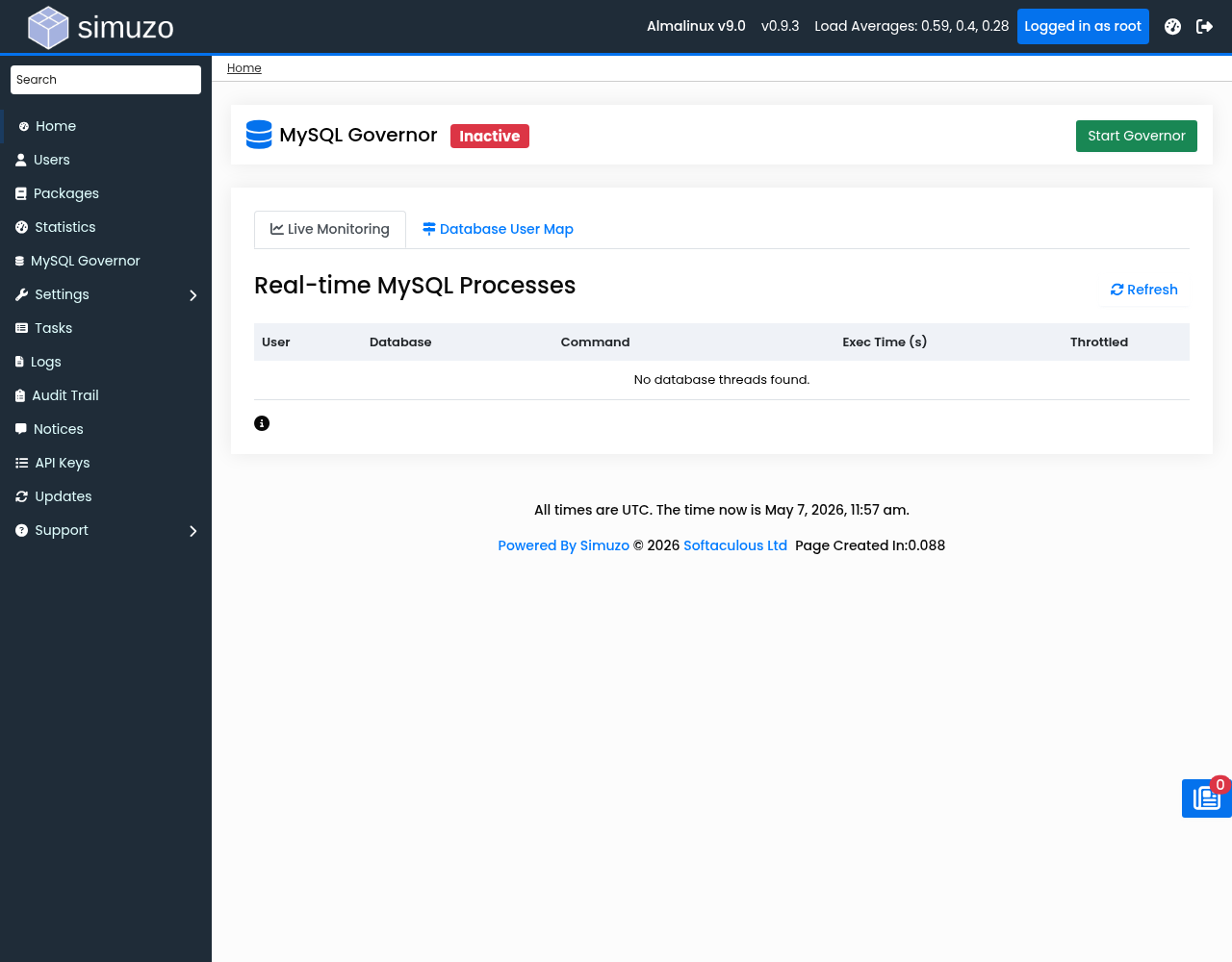 The MySQL Governor interface for monitoring and managing database resource usage.
Overview
MySQL Governor monitors MySQL/MariaDB connections and applies resource throttling based on user resource plans. It helps prevent individual users from consuming excessive database resources.
How It Works
- Governor reads active MySQL threads from
performance_schema - Maps MySQL users to system users via
/var/run/simuzo/dbmap - Calculates resource usage per user
- Applies throttling if user exceeds their limits
- Slow queries are terminated when limits are exceeded
Accessing MySQL Governor
Navigate to MySQL Governor in the Admin Panel.
Enable/Disable
Use the toggle button to enable or disable MySQL Governor.
Requirements
- MySQL/MariaDB with performance_schema enabled
- Governor service installed and running
- Database map file present
Monitoring Tab
View all active MySQL connections in real-time.
Displayed Information
| Column | Description |
|---|---|
| Thread ID | Unique thread identifier |
| User | MySQL username |
| Database | Current database |
| Command | SQL command type (Query, Sleep, etc.) |
| State | Current thread state |
| Time (sec) | Query execution time |
| Throttled | Whether throttling is active |
Understanding Throttling
Users marked as Throttled are currently exceeding their database resource limits.
Database Map Tab
View user-to-database mappings used by the governor.
Map Entry Types
| Type | Format | Description |
|---|---|---|
| user | user:mysql_user:system_user | Maps MySQL user to system user |
| db | db:database_name:system_user | Maps database to system user |
Rebuild Map
Click Rebuild Map if:
- New databases were created
- Users were added or removed
- Mappings appear incorrect
Prerequisites
Enable performance_schema
# Check if performance_schema is enabled
mysql -e "SHOW VARIABLES LIKE 'performance_schema';"

# Enable if not
mysql -e "SET GLOBAL performance_schema = ON;"
Create Database Map Manually
# Format: user:mysql_user:system_user
# Example:
# user:root:root
# user:webuser_foo:webuser
# db:webuser_wp:webuser
Service Management
# Check service status
systemctl status simuzo-mysql-governor

# Start service
systemctl start simuzo-mysql-governor

# Stop service
systemctl stop simuzo-mysql-governor

# Restart service
systemctl restart simuzo-mysql-governor

# View logs
journalctl -u simuzo-mysql-governor
Governor Throttling
When a user's queries exceed resource limits:
- Governor identifies the user via dbmap
- Checks user's cGroup limits for database resources
- If exceeded, long-running queries are terminated
- New connections may be rejected until usage drops
Troubleshooting
Governor Not Working
- Check service:
systemctl status simuzo-mysql-governor - Verify dbmap exists:
cat /var/run/simuzo/dbmap - Check performance_schema:
mysql -e "SHOW VARIABLES LIKE 'performance_schema';" - Review logs:
/var/simuzo/logs/
No Throttling Despite High Usage
- Verify user mappings in dbmap
- Check cGroup limits are configured
- Ensure database cGroups exist:
ls /sys/fs/cgroup/simuzo-db/
performance_schema Not Available
# Add to my.cnf
[mysqld]
performance_schema = ON

# Restart MySQL
systemctl restart mysql
Best Practice
Monitor the Monitoring tab regularly to identify users consistently hitting database limits.
Related Topics
- Resource Limits — Configure cGroup limits
- Statistics — Monitor resource usage
- Settings — Enable/disable governor