Administration
API Keys
Create and manage API keys for programmatic access to Simuzo.
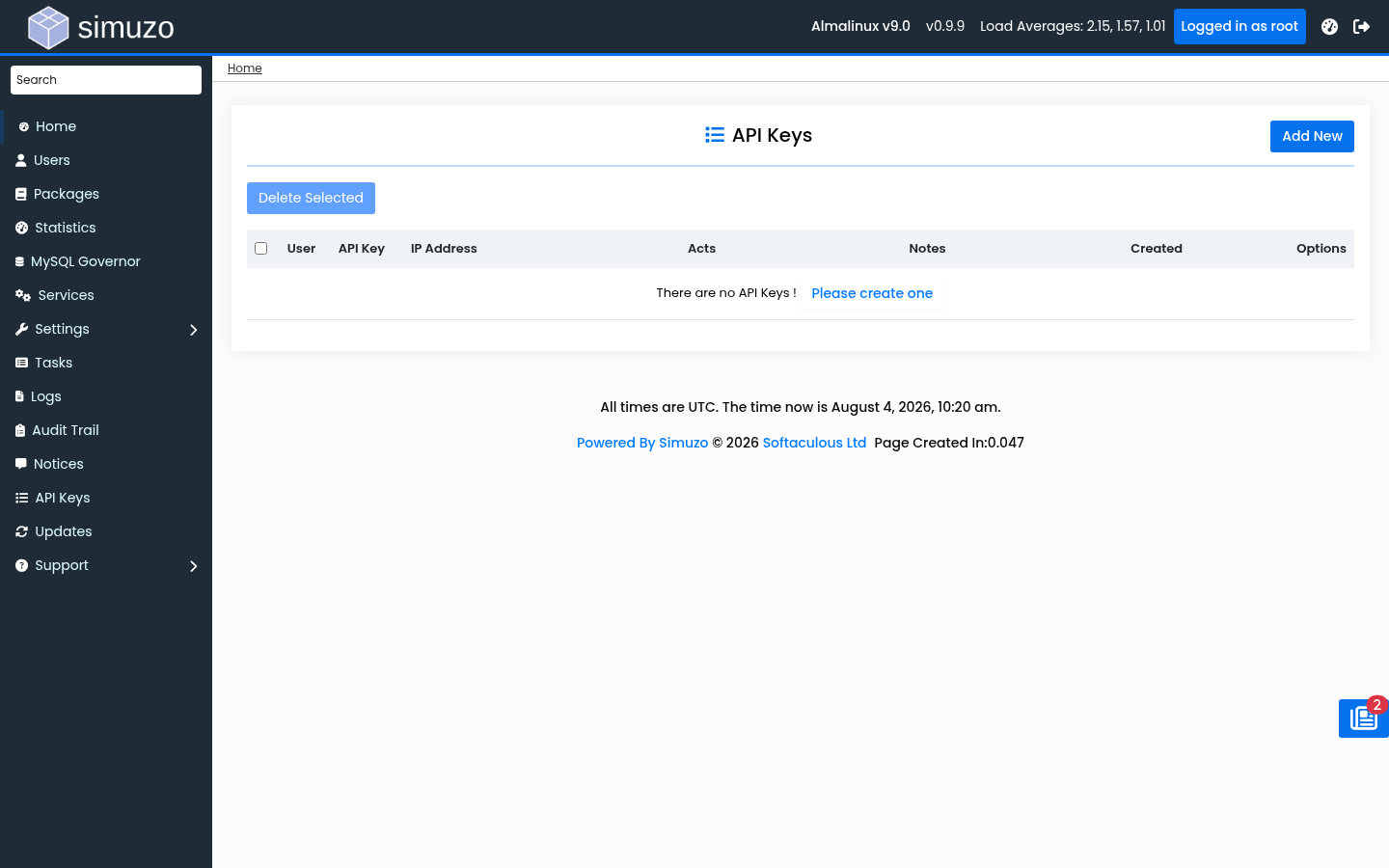 API Keys management for admin automation.
Overview
API Keys allow scripts and external tools to call Simuzo admin APIs without an interactive browser session. Each key can be restricted by allowed actions and source IP addresses.
Accessing API Keys
Navigate to API Keys in the Admin Panel sidebar.
Feature can be disabled
If API credentials are disabled in server configuration, this page redirects away. Contact Softaculous support or check global settings if the menu is missing.
Creating a Key
- Open API Keys
- Enter optional notes describing the key purpose
- Optionally restrict by IP address(es)
- Select allowed actions, or allow all actions
- Save and store the generated credentials securely
Best Practices
- Scope keys to the minimum set of actions required
- Bind keys to fixed management IPs when possible
- Rotate keys periodically and revoke unused keys
- Never commit keys into git repositories or public tickets
Related Topics
- Settings — Global configuration
- Audit Trail — Track API-related security events