Administration
Logs
View Simuzo debug logs and related journal messages.
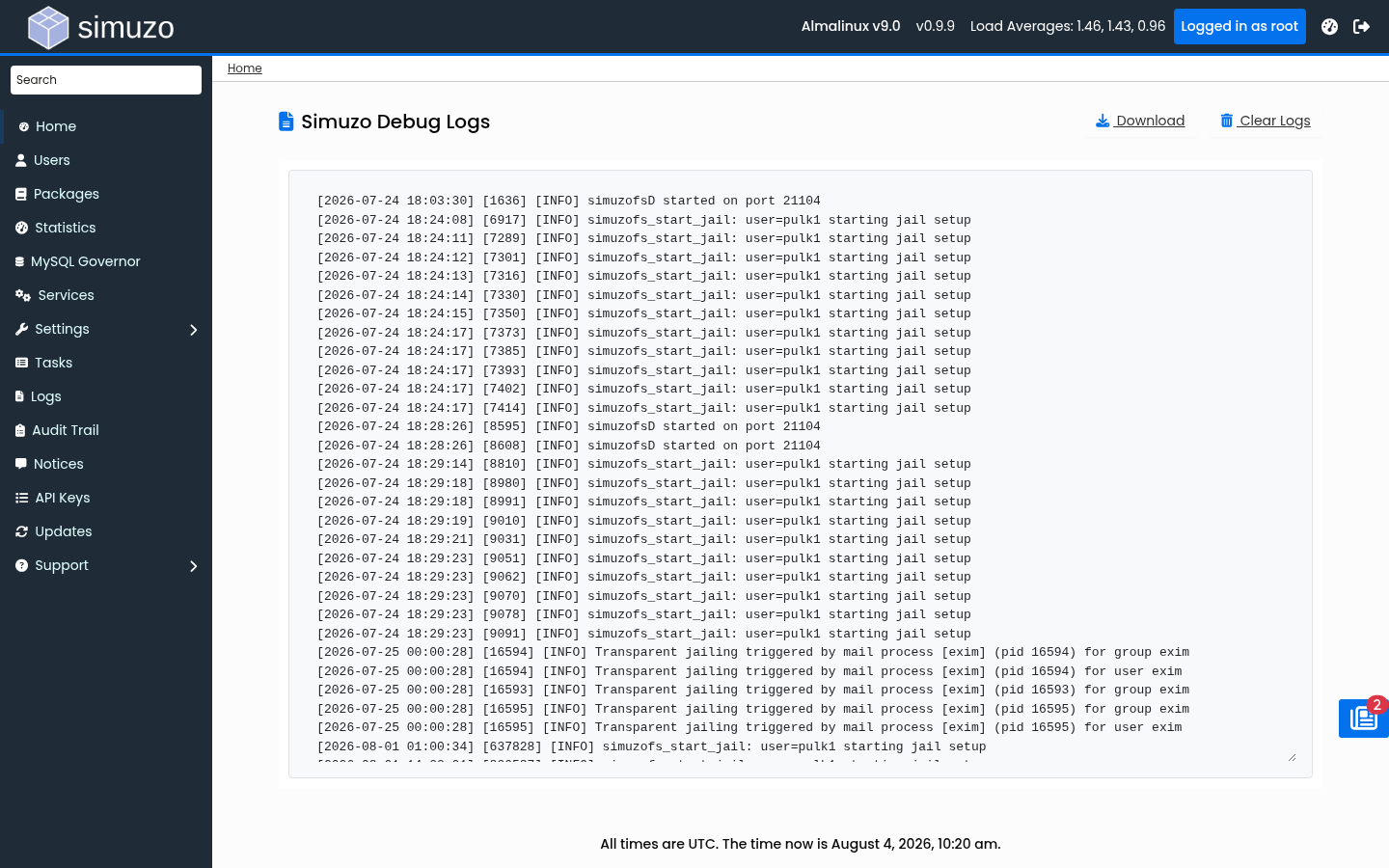 The Logs page showing recent Simuzo debug output.
Overview
The Logs page surfaces recent Simuzo debug output and related system journal entries for jail/PAM components. Use it when troubleshooting enablement tasks, jail setup, or service failures.
Accessing Logs
Navigate to Logs in the Admin Panel sidebar.
What Is Shown
| Source | Location / command | Description |
|---|---|---|
| Debug log | /run/simuzo/debug.log | Runtime debug messages (last ~100KB shown in the UI). |
| Journal | journalctl -g "simuzofs|jail-shell" | Recent PAM/jail shell related messages from the system journal. |
Actions
- Download — Download the full debug log as
simuzo_debug.log - Clear — Truncate the debug log file
Debug level
Increase verbosity under Settings → Debug Level when you need more detail. Set it back to
0 in production.
Related Topics
- Audit Trail — Security event history
- Background Tasks — Task-specific execution logs
- Troubleshooting — Common fixes