Container Manager
App Catalog
Launch applications from curated templates.
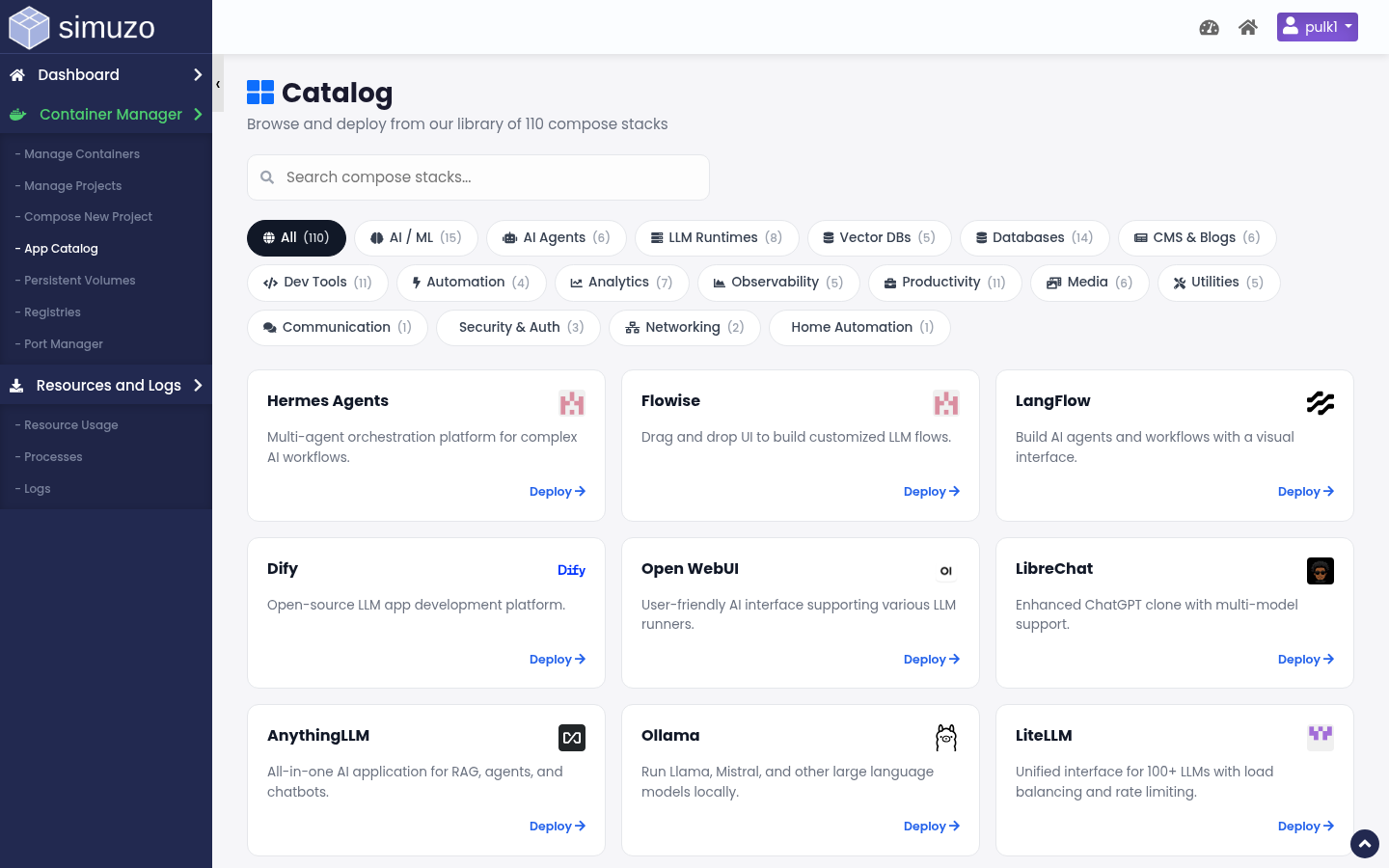 Browse curated application templates.
Purpose
The App Catalog (act=podman_catalog) is a library of ready-made compose templates. Instead of writing YAML from scratch, pick an app and continue in the Compose editor with sensible defaults.
Using a template
1
Browse or search
Open App Catalog and find the application you need.
2
Select the template
This loads template YAML/services into Compose New Project.
3
Customize
Set domain proxy, passwords, volume names, and resource-sensitive options.
4
Deploy
Deploy the project, then verify containers and the public URL.
What templates typically include
- Default image tags
- Recommended container ports
- Environment variable placeholders
- Volume suggestions for persistence
Change secrets before go-live
Catalog defaults may include placeholder passwords. Always set unique credentials for production sites.