Compose Projects
Create and operate multi-service Podman Compose stacks.
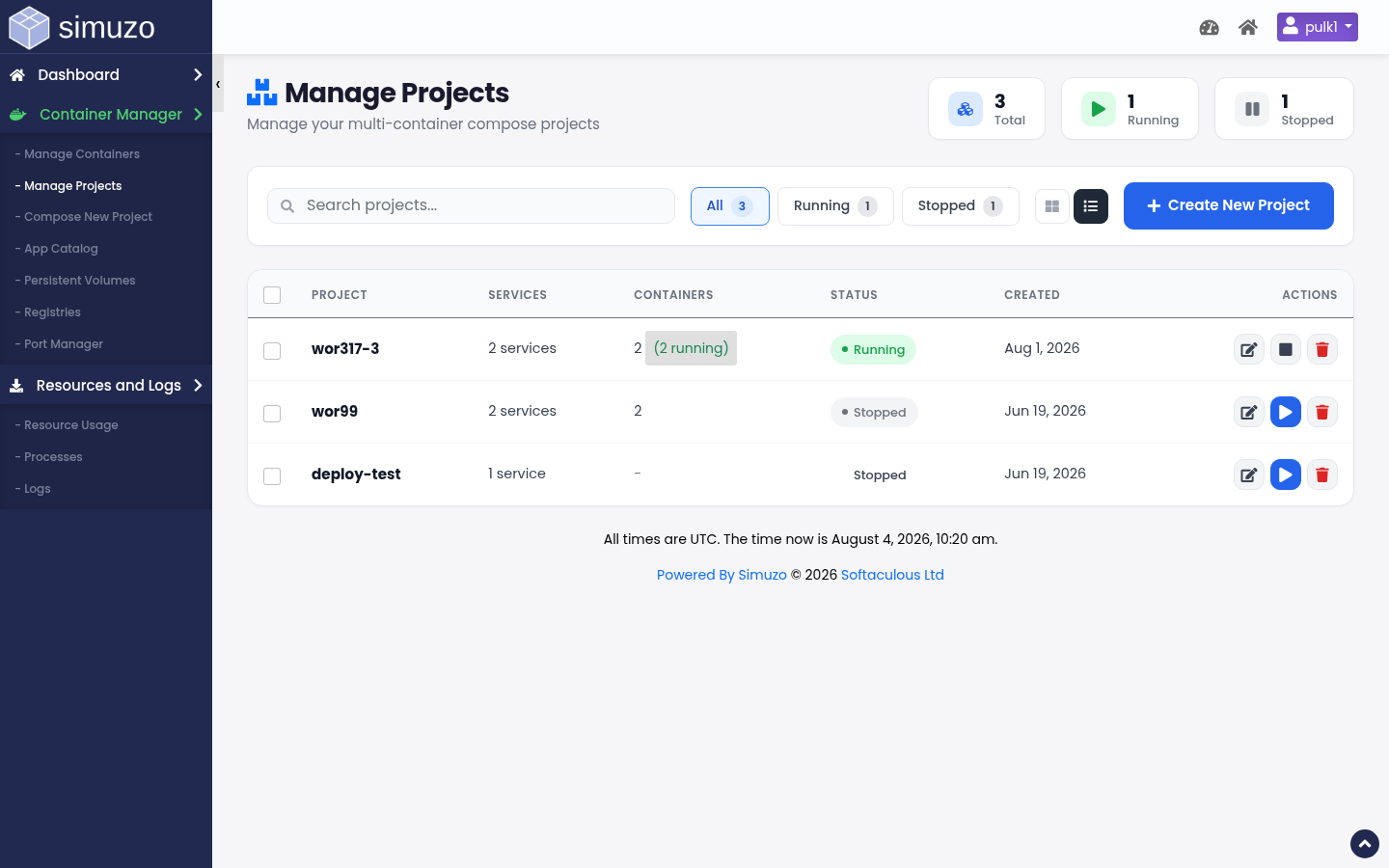 Manage multi-container projects as a single unit.
Projects vs single containers
Compose projects group one or more services (web, db, redis, …) defined in a compose file. Deploy, stop, and recreate them together. Prefer projects for anything more complex than a single ephemeral container.
Manage Projects
Open Container Manager → Manage Projects (act=list_compose) to:
- See project name and status
- Start / stop / recreate project actions
- Edit the project in the compose editor
- Delete a project you no longer need
Compose New Project / editor
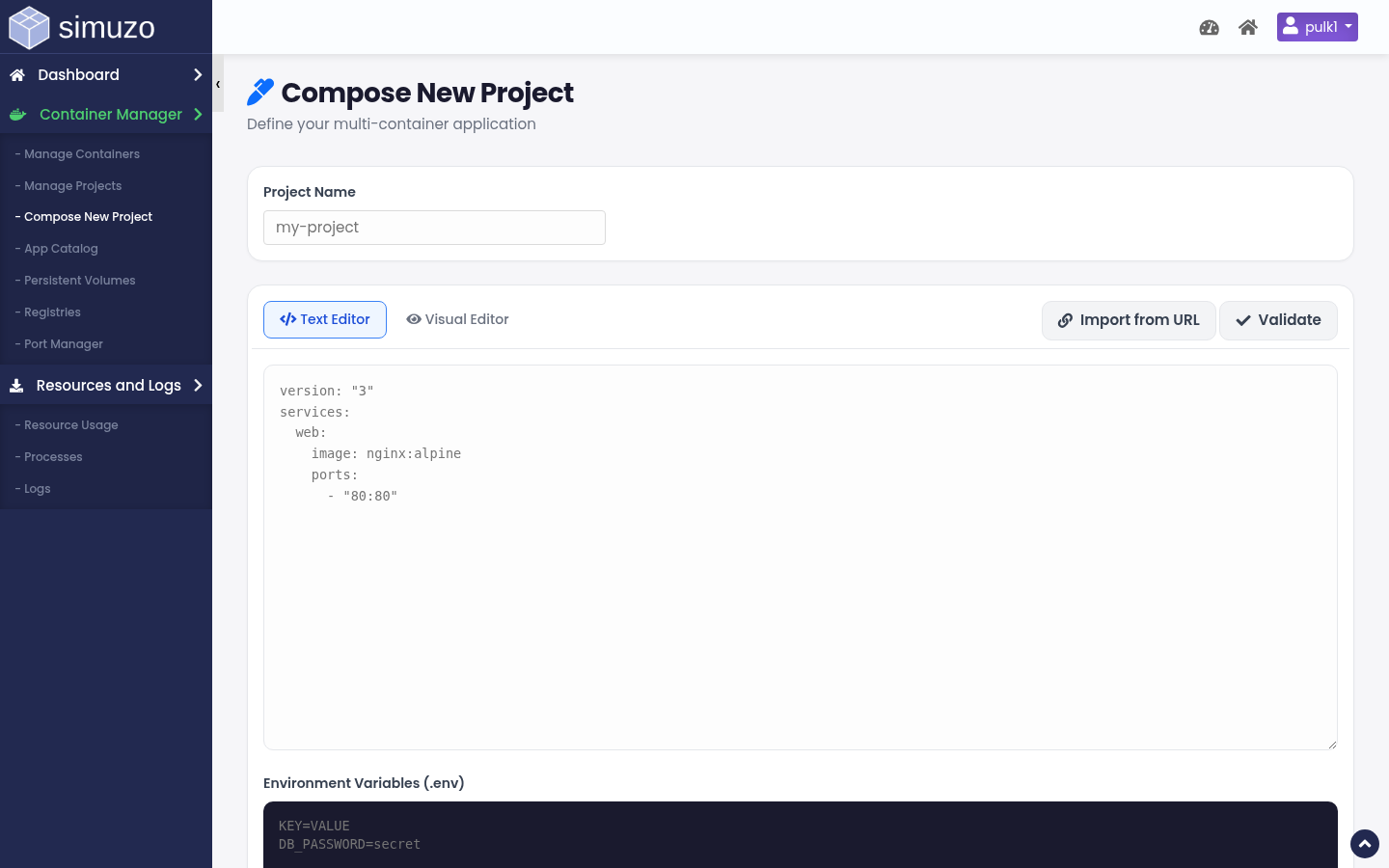 Compose editor for services, environment, ports, and volumes.
Open Compose New Project (act=compose) or edit an existing project.
Ways to start
- Blank project — define services manually
- From App Catalog — prefilled YAML/services from a template
- Edit existing — load project YAML + env file
What you configure per service
| Field | Description |
|---|---|
| Service name | Internal compose service key |
| Image | Image reference (optionally from a saved registry) |
| Container name | Optional explicit name |
| Restart policy | no / always / on-failure (always recommended for apps) |
| Ports | Container port + optional domain proxy / path |
| Environment | Key/value config and secrets |
| Volumes | Named volumes or bind mounts |
YAML vs visual editing
Depending on complexity, the editor may present a structured service form and/or raw compose YAML. Complex files can open in a text-oriented mode — validate carefully before deploy.
Deploy workflow
Define services
Add images, env, and volumes. Attach proxies for public HTTP services.
Save & deploy
Deployment often runs as a background task. Wait for completion.
Verify
Check Manage Containers for each service, then hit the proxied URL.
Project actions
| Action | Use when |
|---|---|
| Start | Bring a stopped project up |
| Stop | Take the whole stack down |
| Recreate / redeploy | Apply image or config changes |
| Delete | Remove stack definition (confirm volumes first) |
Related
- App Catalog — templates that seed compose
- Manage Containers — per-container ops
- Registries — private images