Administration
Services
Monitor and control Simuzo system services from the admin panel.
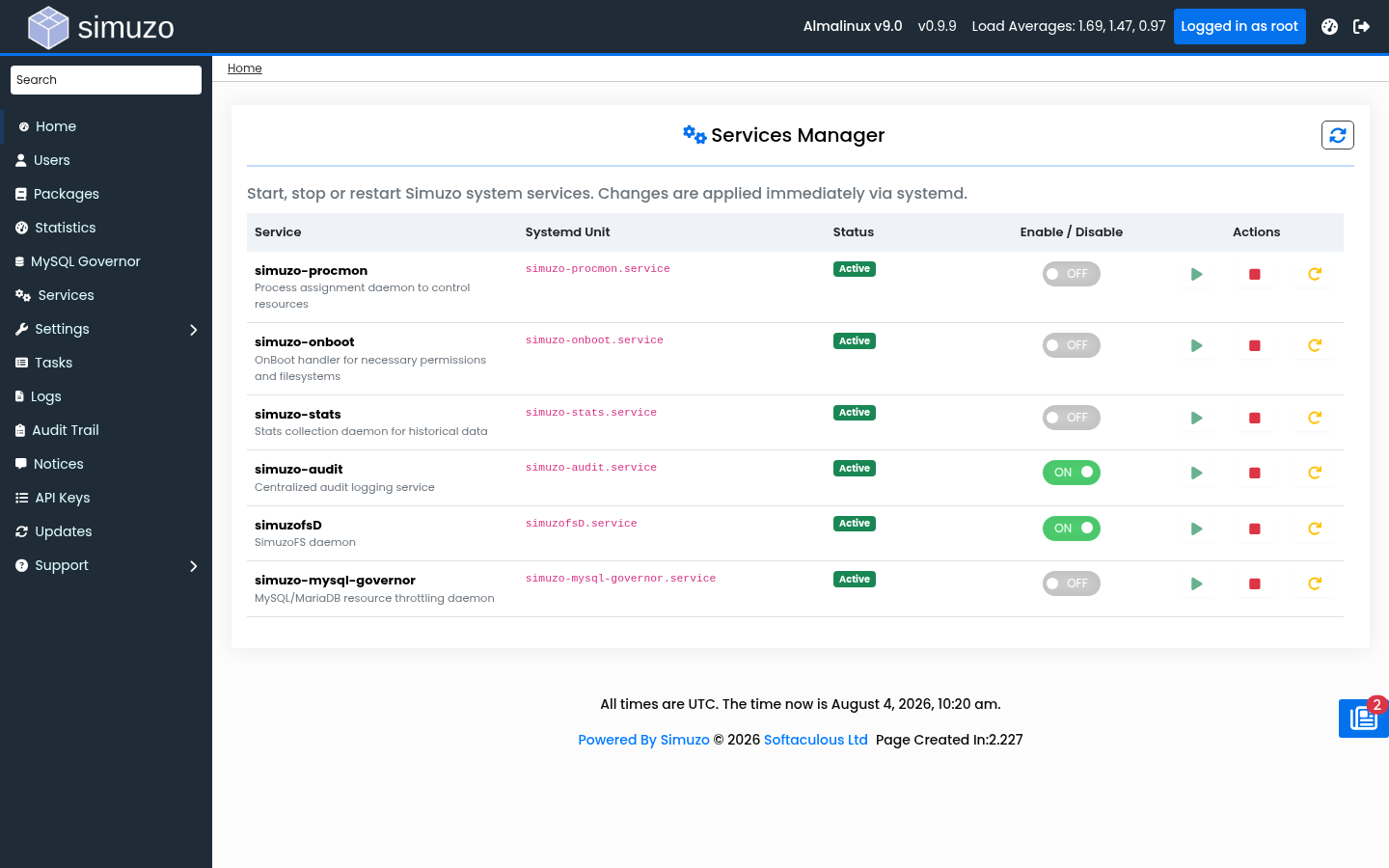 The Services Manager showing Simuzo daemons and their status.
Overview
The Services page lets you start, stop, restart, enable, or disable the Simuzo background services that power resource control, isolation, statistics, audit logging, and MySQL Governor.
Accessing Services
Navigate to Services in the Admin Panel sidebar.
Managed Services
| Service | systemd unit | Purpose |
|---|---|---|
| simuzo-procmon | simuzo-procmon.service | Process assignment daemon that keeps user processes inside the correct cgroup for resource control. |
| simuzo-onboot | simuzo-onboot.service | On-boot handler for permissions, mounts, SecureLinks apply, and filesystem readiness. |
| simuzo-stats | simuzo-stats.service | Collects live and historical resource statistics. |
| simuzo-audit | simuzo-audit.service | Centralized audit trail daemon (shown when audit is enabled). |
| simuzofsD | simuzofsD.service | SimuzoFS jail daemon (shown when SimuzoFS is enabled). |
| simuzo-mysql-governor | simuzo-mysql-governor.service | MySQL/MariaDB resource throttling daemon (shown when governor is enabled). |
Conditional list
Feature-specific services appear only when that feature is enabled or the unit is already active.
Actions
For each service you can:
- Start / Stop / Restart the unit
- Enable / Disable auto-start on boot
CLI Alternatives
# systemctl
systemctl status simuzo-stats
systemctl restart simuzo-procmon

# Simuzo CLI helper
simuzo --services action=start service=simuzo-stats
simuzo --services action=restart service=simuzo-mysql-governor
Related Topics
- Settings — Enable/disable features that install services
- Logs — Debug and journal output
- CLI Commands — Full service CLI reference