Container Manager
Port Manager
Allocate host ports and reverse-proxy containers onto your domains.
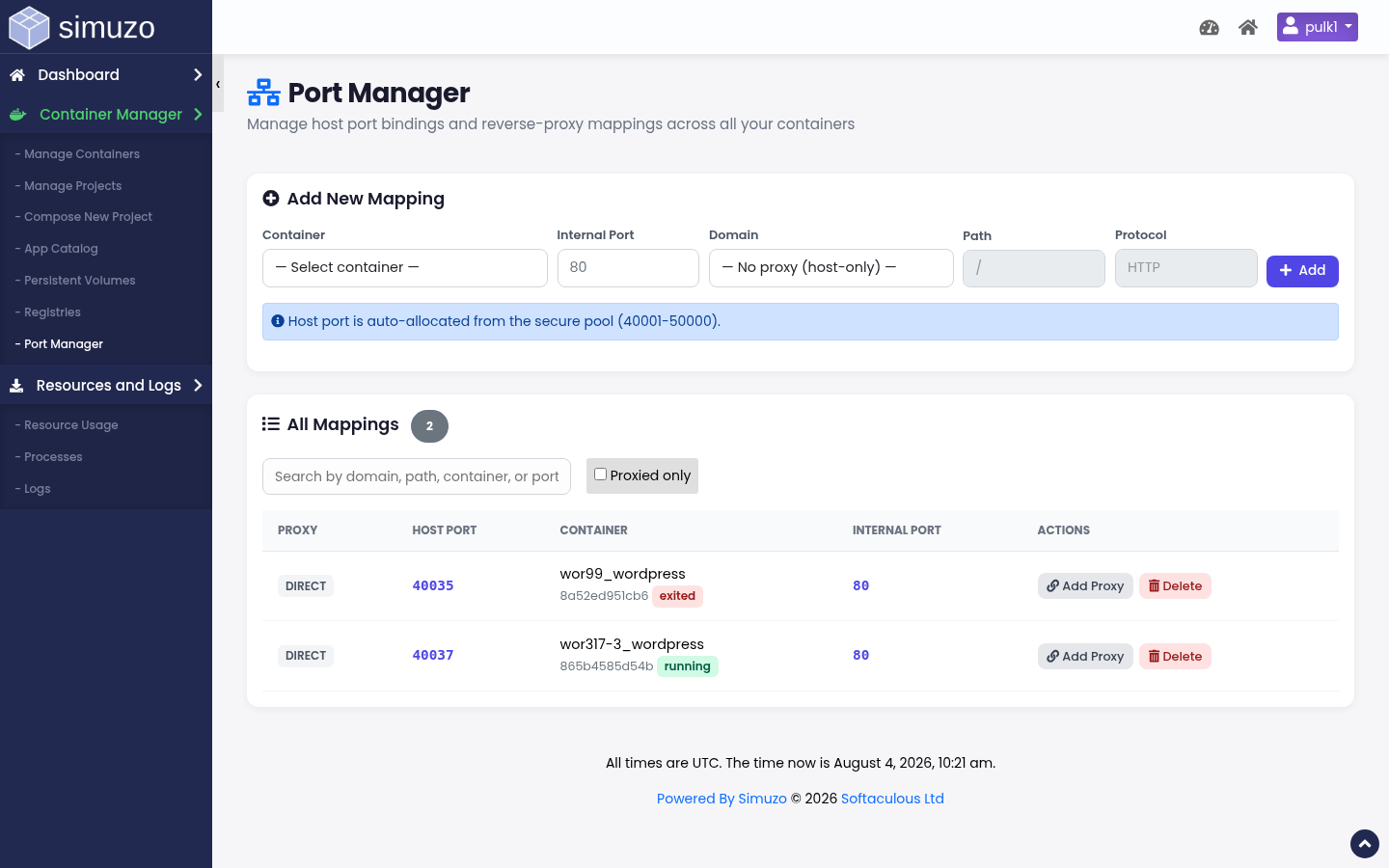 Host port allocations and domain reverse-proxy mappings.
Purpose
Port Manager (act=manage_ports) is the account-wide view of how container ports are published:
- Host port — allocated from the server pool to your user
- Container port — where the app listens inside the container
- Proxy domain + path — optional reverse proxy so visitors use
https://domain/pathinstead of a raw port - Protocol — HTTP or HTTPS proxy mode
How allocation works
- You choose the container and container port
- Simuzo allocates a free host port from the pool
- If a domain/path is set, a reverse-proxy rule is created for that vhost
No arbitrary privileged ports
Users do not bind host port 80/443 directly. Public HTTP(S) should go through the panel proxy to the allocated host port.
Add a mapping
1
Select container
Pick a running or existing container ID/name.
2
Set container port
Must match what the process inside listens on (e.g. 80, 3000, 8080).
3
Optional proxy
Choose domain + relative path (/ or /app) and protocol.
4
Save
Host port is assigned automatically. Test the public URL.
Conflicts
A domain + path + protocol combination can only map to one container. If you see a conflict error, remove or change the existing mapping first.
Remove mappings
Removing a mapping frees the host port and deletes the proxy rule. The container itself is not deleted.
Related
- Manage Containers — per-container ports modal
- Compose Projects — define ports at deploy time