End User
Processes
View the processes running under your account and resource summary.
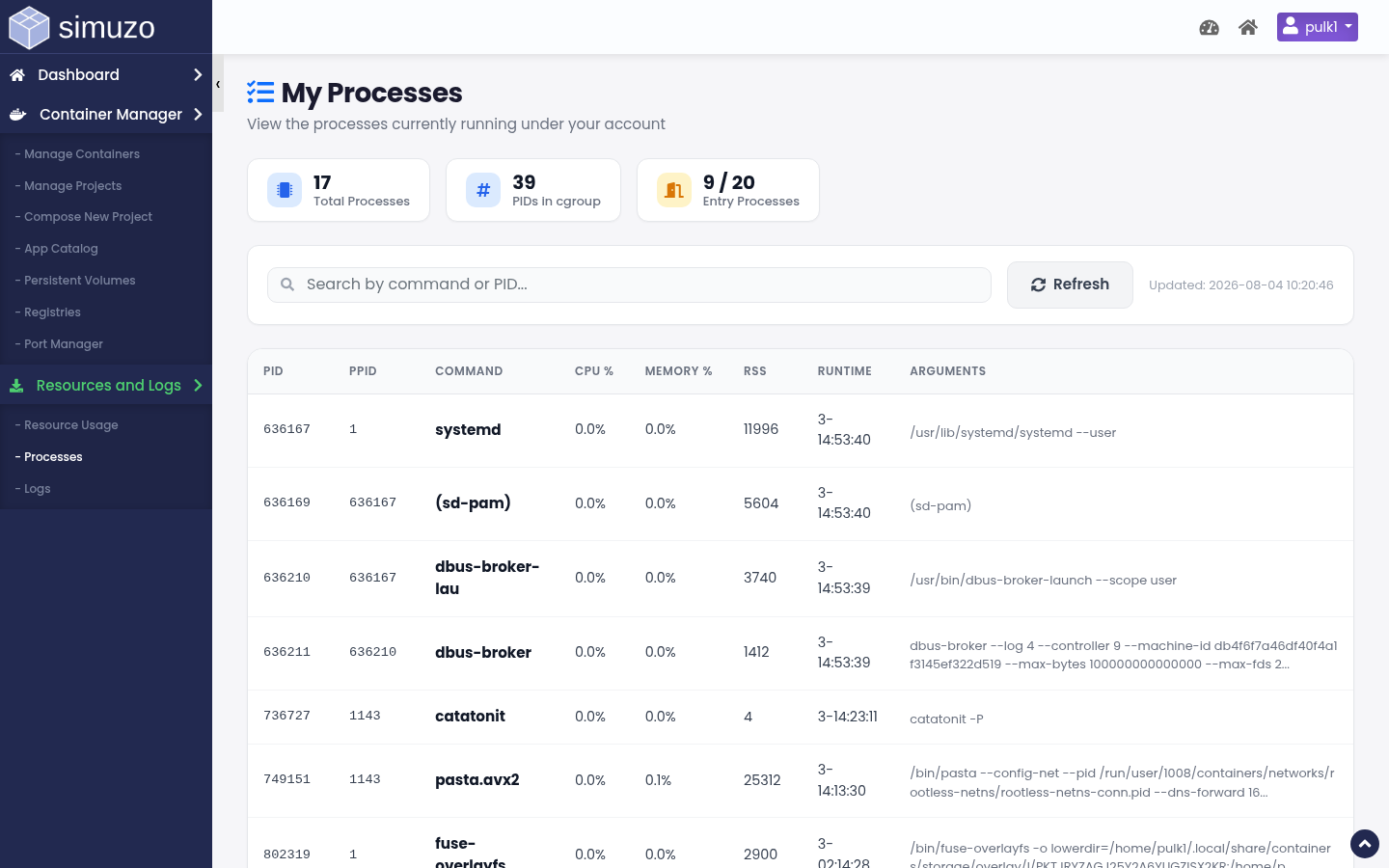 Live process list for the logged-in user.
Overview
The Processes page lists processes owned by your account, along with PID counts and entry-process usage. Use it to understand what is consuming CPU, memory, or process slots under your limits.
Accessing Processes
From the End User panel, open Resources and Logs → Processes, or click the process summary cards on the dashboard.
What You See
- Process name / command
- PID and resource indicators
- Total process count (PIDs)
- Entry Processes (EP) current vs limit when available
Auto refresh
The process list can be refreshed from the page without a full reload so you can watch short-lived workers.
Related Topics
- Resource Usage — Charts and historical usage
- Dashboard — Account overview