Container Manager
Volumes
Persist container data with named volumes and bind mounts.
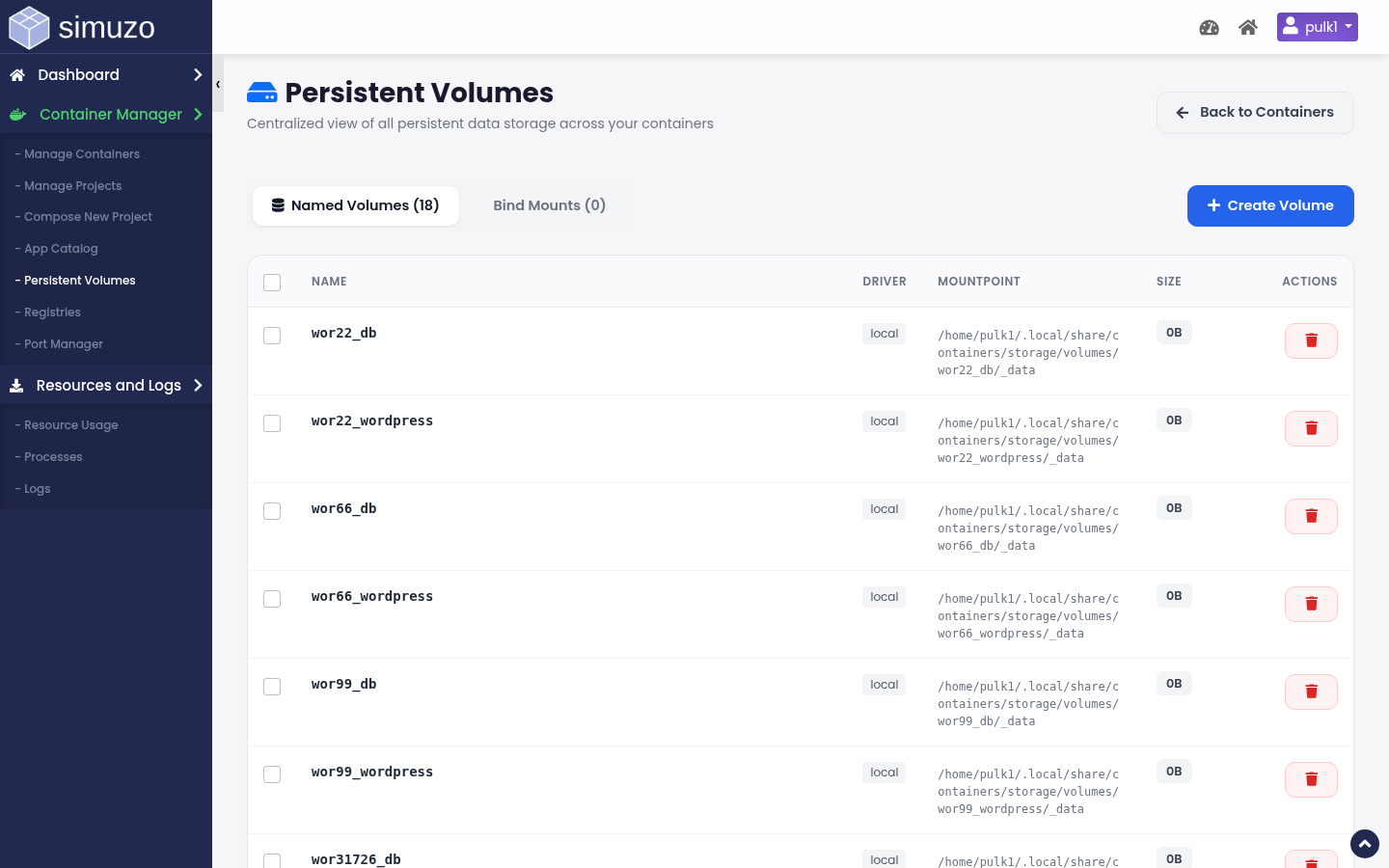 Named volumes and bind mounts used by your containers.
Why volumes matter
Container filesystems are ephemeral. Anything you need after a recreate or delete must live on a volume or host bind mount.
Open Persistent Volumes
Container Manager → Persistent Volumes (act=container_volumes).
Named volumes
- Create a volume with an alphanumeric name (plus
_/-) - Attach it from Compose/service volume settings
- Delete only when no container still uses it
Bind mounts
Bind mounts map a host path under your account into the container. The volumes page helps you see which containers reference which host paths.
Operational tips
- One volume per database service is a good baseline
- Back up volume data from the host path / backup tooling your panel provides
- Do not delete a volume that is still mounted — the UI will usually fail the delete if in use
Before deleting a project
Confirm whether you also want to remove its volumes. Keeping volumes lets you redeploy the app against the same data.